

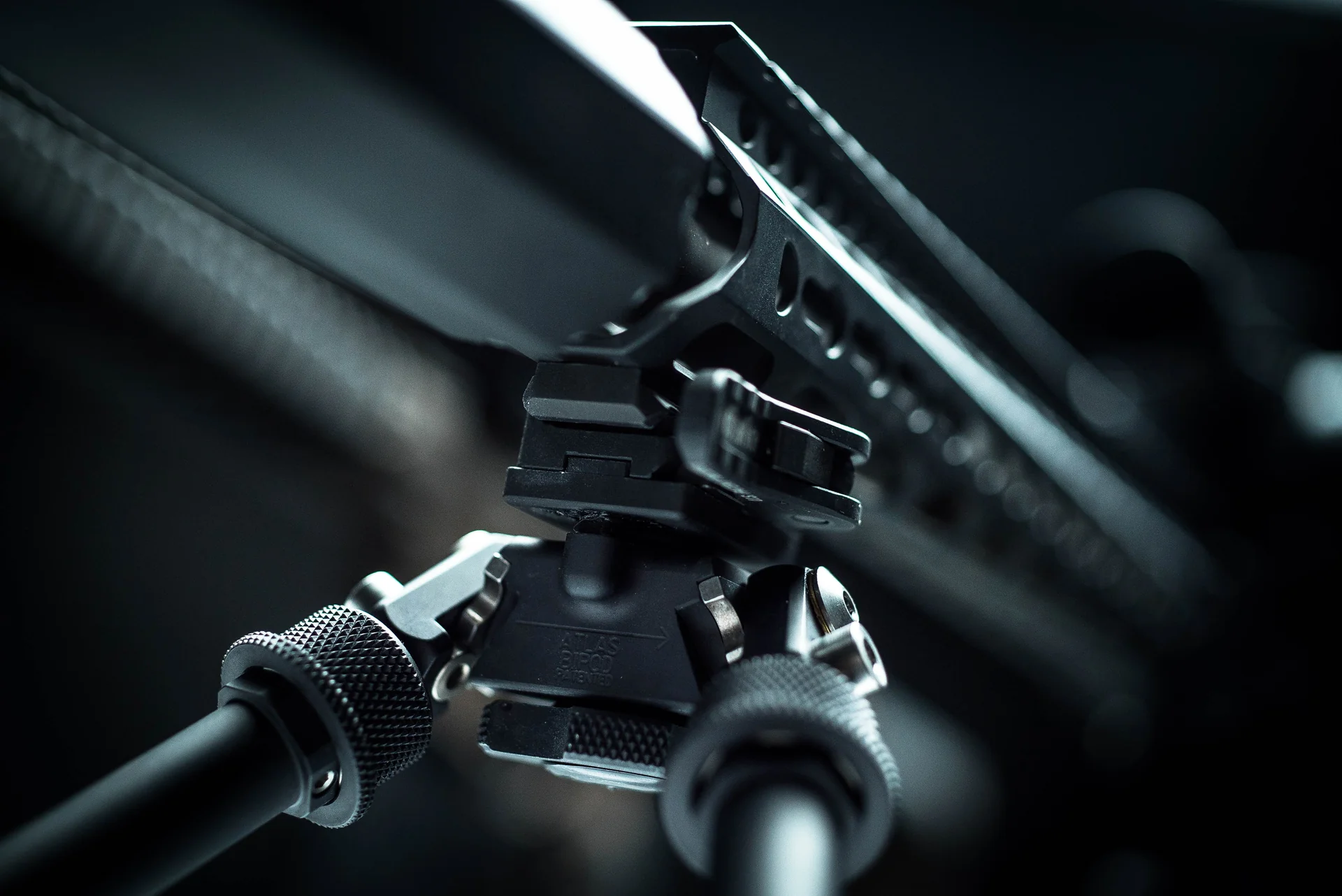
How to Adjust the ADM-170-S Quick Detach Lever on the Atlas Bipod
The ADM-170-S is the quick-detach auto-lock lever that mounts an Atlas bipod to a Picatinny rail without tools, and adjusting its tension takes only a minute. You unlock the lever, install the mount on the rail, and set the closing tension using the octagonal adjustment nut, tightening one to two flats at a time until the lever closes with firm one-hand pressure. Because the ADM system has more rail contact than typical levers, you often need less force than you expect. Watch the video, then follow the written steps.
This is the canonical guide for operating and adjusting the ADM-170-S lever found on Atlas LW17 configurations. No tools are required for the tension adjustment. Below the video you will find the full operating sequence, the tension-setting steps, and safety notes, drawn from the official ADM operating instructions.
Watch: Adjusting the ADM-170-S lever
The video demonstrates unlocking, installing, and setting the tension on the ADM-170-S quick-detach lever. Follow along with your bipod and mount; no tools are needed for the tension adjustment.
The written operating instructions below cover the same steps in detail.
How does the ADM-170-S quick-detach system work?
The ADM-170-S is an auto-lock lever that clamps the Atlas to a Picatinny rail and pops off without tools, so you can move one bipod across rifles or stow it quickly. Before installing, make sure your firearm is unloaded and the muzzle is pointed in a safe direction, then familiarize yourself with the mount’s components.
To unlock and install: depress the lock button and move the lever 180 degrees to the open position, place the assembly onto the rail, and move the lever to the locked position. Then check the closing tension.
How do you set the lever tension?
The correct tension is the maximum amount you can apply with one hand to move the lever to the closed position. How firm you prefer it is a matter of judgment, but remember that the ADM system has much more surface contact than the competition, so you may not need to push as hard to get the same hold.
Adjust the tension using the octagonal nut, following the steps below. No tools are required.
• Move the lever to the open position and push the lever toward the base; this makes the adjustment nut protrude on the opposite side.
• With the nut protruding, turn it right or left to change the tension.
• Tighten one to two flats at a time, then test the closing tension. The octagonal nut has eight flats, so it may take a few tries to dial it in.
• Repeat until the lever closes with firm, comfortable one-hand pressure. If you are using a mount with vertical rings, tighten the bottom screws first, then the top screws, leaving a slight gap.
Video transcript detail (to be added)
WRITER NOTE (delete before publish): insert the transcript-derived, on-camera detail from the ADM-170-S video here to complement the written operating instructions above. Keep aligned with the numbered steps.
What should you check before shooting?
Once the tension is set, confirm the mount locks solidly to the rail with no play, and that the lever seats fully in the closed position. A properly adjusted ADM-170-S holds the bipod firmly through recoil and still releases by hand when you want it off.
If the lever closes too easily, it needs more tension; if you cannot close it with one hand, back it off a flat or two. Recheck after your first range session, since a new setup can settle slightly.
Frequently Asked Questions
How do you adjust the ADM-170-S lever tension?
Move the lever open and push it toward the base so the octagonal adjustment nut protrudes, then turn the nut left or right, one to two flats at a time, testing the closing tension between adjustments. Correct tension is the firmest you can close with one hand. No tools are needed.
How much tension should the ADM lever have?
The correct tension is the maximum you can apply with one hand to move the lever closed. Personal preference plays a part, but because the ADM-170-S has more rail contact than typical levers, you often need less force than expected to get a secure hold.
Do you need tools to adjust the ADM-170-S?
No. The auto-lock tension adjustment requires no tools. You push the open lever toward the base to expose the octagonal nut and turn it by hand, one to two flats at a time, until the lever closes with firm one-hand pressure.
How do I install the ADM-170-S on a rail?
Confirm the firearm is unloaded and pointed safely. Depress the lock button and move the lever 180 degrees to open, place the assembly on the Picatinny rail, then move the lever to the locked position and check the closing tension, adjusting the octagonal nut as needed.
What is the ADM-170-S quick-detach lever?
It is the auto-lock quick-detach lever that mounts an Atlas bipod to a Picatinny rail without tools, used on LW17 configurations. It lets you move one bipod between rifles or remove it quickly, and it clamps with more rail surface contact than typical levers for a secure hold.
Dial in your ADM-170-S
Unlock, install on the rail, and set the tension one to two flats at a time until the lever closes firmly by hand. No tools required.
Shop Atlas bipods with the ADM-170-S lever, or see how to mount a bipod for the full setup.
* * *